vCore

vCore
Binaural Renderer and Software Processing Engine for d&b Soundscape
- Binaural rendering of Soundscape mixes
- Experience Soundscape with headphones
- Prepare shows anywhere
- No additional hardware required
Product description
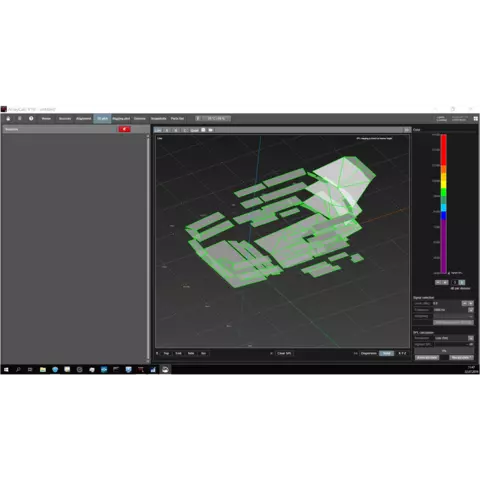
vCore is a free-to-download software processing engine that brings Soundscape onto your computer. Working alongside Create.Control, it allows you to create, prepare and prelisten object-based Soundscape mixes using nothing more than a laptop and a pair of headphones.
By rendering Soundscape mixes binaurally, vCore makes it possible to experience spatial audio without a physical Soundscape processing engine and loudspeaker system. Whether you are at home, in the studio or on the move, you can build your show, refine object positions and confidently prepare your mix before arriving onsite.
Audio can be routed directly from your preferred DAW into vCore, creating a straightforward pre-production workflow and a realistic listening experience throughout the creative process.
Soundscape on your computer
vCore brings Soundscape processing directly to macOS and Windows computers, allowing you to prepare and audition immersive mixes without dedicated hardware. Process complex multichannel productions with up to 64 inputs and build your Soundscape projects entirely in software.
Workflow
Create.Control and vCore form a complete pre-production environment for Soundscape.
Create and control your mix in Create.Control, process it in vCore, then transfer your project to a Soundscape system onsite. The workflow allows you to develop your project in advance and arrive at the venue with greater confidence and preparation. Used alongside a physical Soundscape processing engine, vCore allows you to render a binaural mix for streaming or recording to your DAW in parallel with the live Soundscape show.
Download demo tracks:
Get started with our demo content designed for training:
Please note: These tracks are provided for training purposes only and must not be used commercially or beyond their respective license periods.
(recommended not to use efficiency cores)*
*vCore performs real-time audio processing on your computer's CPU. Performance depends on the number of active input channels, sample rate, and buffer size. If you experience audio dropouts, try increasing the buffer size or reducing the number of active input channels.