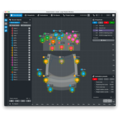
Create.Control

Create.Control

Software

  • Intuitive visual interface designed for a mixing workflow
  • Unlocks extensive object and show control possibilities
  • Rescale or stretch show in real-time, including asymmetrically
  • Support for new DS100 I/O sizes (64 x 24 – 64 x 64 – 128 x 64)
  • Available for both Microsoft Windows and macOS operating systems

Please make sure to update the DS100/DS100M Firmware to the latest version.
Product description

Create.Control is a streamlined approach to Soundscape that skips the intricacies of system design software.

Designed for mix engineers, Create.Control gives users the ability to craft dynamic mixes and generate precise show control data. Seamlessly transition from rehearsal to stage and adapt effortlessly across diverse venues.

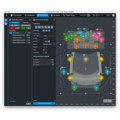
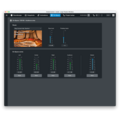
This standalone software allows you to create, manipulate, and control sound objects dynamically in space and time. Use snapshots and animations to easily store and recall settings, positions, crossfades, and movements throughout your performance. Then design your ideal room sound with access to En-Space master settings.

Plus, you can import venue data from ArrayCalc to easily rescale your initial creative concepts to fit the specific performance space.

Instant insight meets object control.

With Create.Control's intuitive design, you gain immediate command over every parameter of your sound objects. Directly manipulate Level, Mute, Spread, En-Space Send, Delay Mode, and precise X/Y positioning. 

Craft intricate movements, looping and triggering them with ease either through snapshots or independently. 

For streamlined workflows, group objects for simultaneous adjustments of multiple parameters, and use multi-select to quickly apply relative or non-relative changes. 

You can also personalize your workspace by assigning user-selectable colours to your objects, making your show design as visually intuitive as it is sonically powerful.

Adapt to any venue.

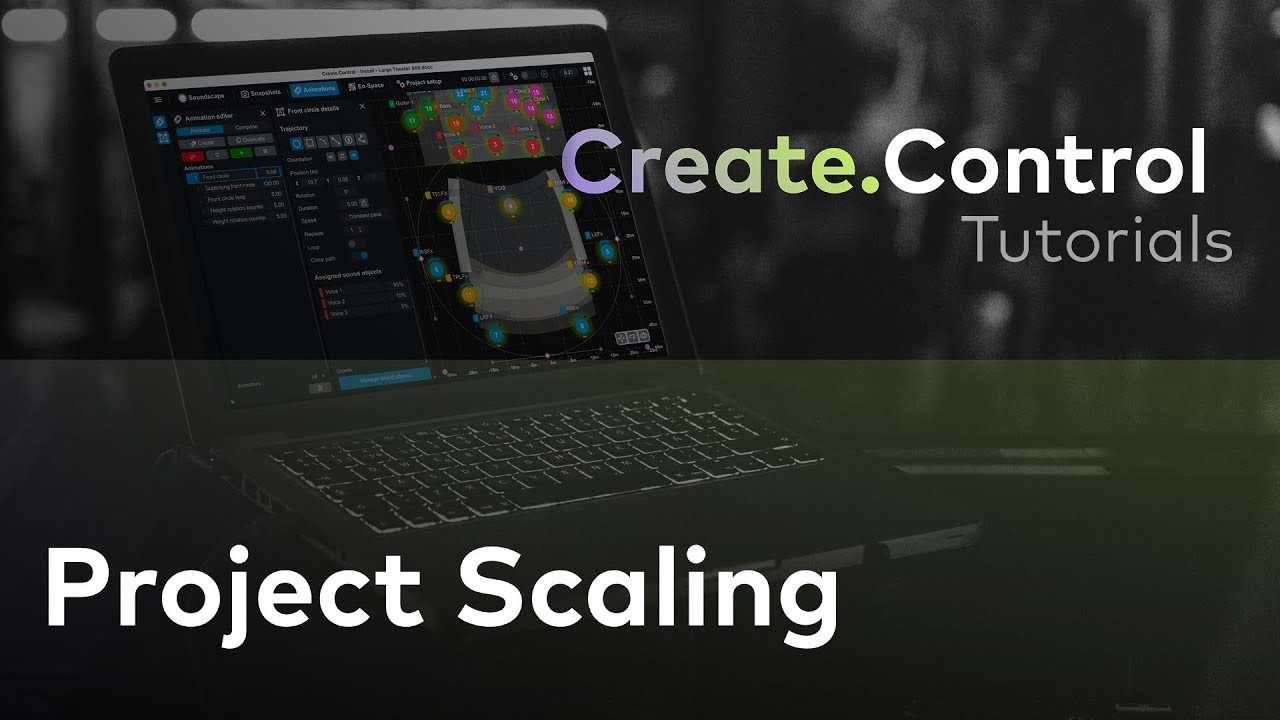
Adapt your pre-programmed content to any Soundscape system with integrated scaling and movement. Rescale or stretch your entire show in real-time, including asymmetrical adjustments, and move it along the X and Y axes as needed. Create.Control can read and display speaker positions from online DS100 or DS100M units and remap control messages for seamless integration across different setups.

Store and recall snapshots easily.

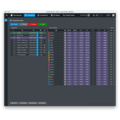
With Create.Control, create and store snapshots that transitioning smoothly with user-adjustable fade times. Precisely recall settings for individual parameters, objects, or entire snapshots, and synchronize your sonic changes with timecode (MTC). Maintain stability with 'recall safe' options for En-Space master controls and object animations.

And more.

Beyond core spatial audio control, snapshot management, and venue adaptability, Create.Control offers further practical benefits:

  • Works via OCA so OSC-based software can run on the same computer
  • Can be run on the same computer as R1, at the same time
  • Projects/shows can be transferred between computers
System requirements
DS100/DS100M
Firmware Version 3.02.xx or higher
PC
Intel/AMD (Intel i5/3rd generation or higher). Win 10 (64 Bit) or higher
Mac
Intel (i5/i7 3rd generation or higher) - macOS 10.15 or higher
Apple Silicon - macOS 13.0 or higher
Ethernet Network
1 Gbit or faster, cable connection recommended (no WiFi)
RAM
8 GB minimum (16 GB recommended)
Graphics
(one of the driver capabilities below must be met)
• OpenGL: Version 3.0 or higher; however, version 3.3 or higher is strongly recommended
• OpenGL ES: Version 2.0 or higher; version 3.0 or higher is strongly recommended
• Direct3D: Version 11.1 or 12
• Vulkan: Version 1.0 or higher
• Metal: Version 1.2 or higher (applicable for macOS only)
Free disk space
150 MB
Screen resolution
1280 x 800 or higher
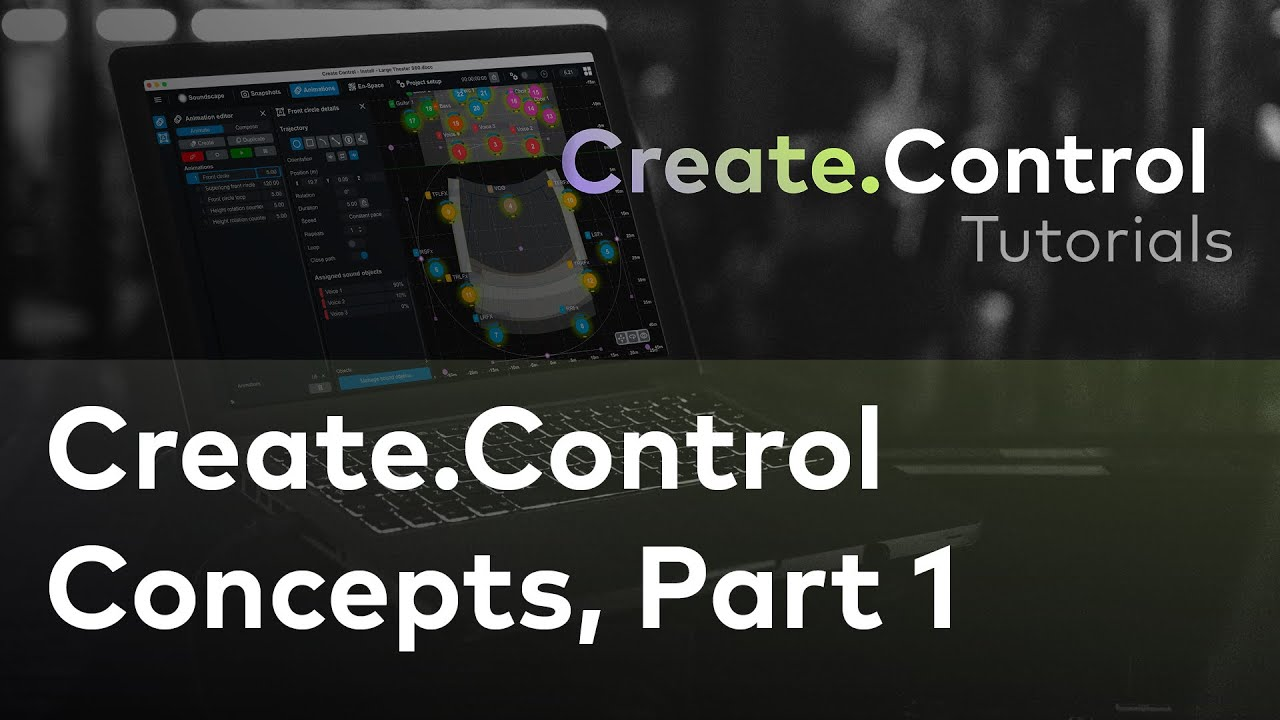
Create.Control Concepts: Part 1

1/14 – Create.Control Concepts: Part 1

Create.Control: Concepts, Part 2

2/14 – Create.Control: Concepts, Part 2

Create.Control: Preparing a Project Offline

3/14 – Create.Control: Preparing a Project Offline

Create.Control: Preparing a Project On-Site

4/14 – Create.Control: Preparing a Project On-Site

Create.Control: Soundscape View

5/14 – Create.Control: Soundscape View

d&b Soundscape: Spread

6/14 – d&b Soundscape: Spread

d&b Soundscape: Delay Mode

7/14 – d&b Soundscape: Delay Mode

Create.Control: Controlling En-Space

8/14 – Create.Control: Controlling En-Space

Create.Control: Basic Snapshot Controls

9/14 – Create.Control: Basic Snapshot Controls

Create.Control: Animations

10/14 – Create.Control: Animations

Create.Control: Synchronizing with Timecode

11/14 – Create.Control: Synchronizing with Timecode

Create.Control: Advanced Snapshot Controls

12/14 – Create.Control: Advanced Snapshot Controls

Create.Control: Dynamic Control Patching

13/14 – Create.Control: Dynamic Control Patching

Create.Control: Project Scaling

14/14 – Create.Control: Project Scaling

Similar applications
All categories

d&b applications

Mobile application or fixed installation? Indoors or outdoors? Large or small? d&b provides tailored-made solutions for each and every requirement. What is more, the dedicated simulation software optimizes the planning of the system installation.
view all applications
Looking for a sales contact in your country? find a reseller now