R1 Remote control
R1 Remote control
Software
- R1 Remote control software enables d&b devices to be remotely controlled, using both Ethernet and CAN-Bus
- optimized for use with touchscreen, mouse and keyboard
- runs on Microsoft Windows and macOS operating systems
- password protection is available to restrict access
Product description
The R1 Remote control software provides enhanced equalization functionalities for the d&b amplifiers, via an easy to use and efficient user interface. R1 accesses the 4-band equalizer in both channels of the D6 and D12 amplifiers, the 8-band equalizer of 5D or the two 16-band equalizers in each of the four channels of the D90, D80, D40, D25, D20, 40D, 30D, 25D or 10D amplifiers. The system technician can use one 16-band equalizer, lock it, and offer the second EQ to the visiting sound engineer for artistic adjustments.
The equalizer of the current amplifiers includes parametric, notch, shelving and asymmetric filters. All filters available in the d&b amplifiers can be manipulated in R1 for fine adjustment; simple and intuitive control, via touchscreen or mouse and keyboard.
Applications
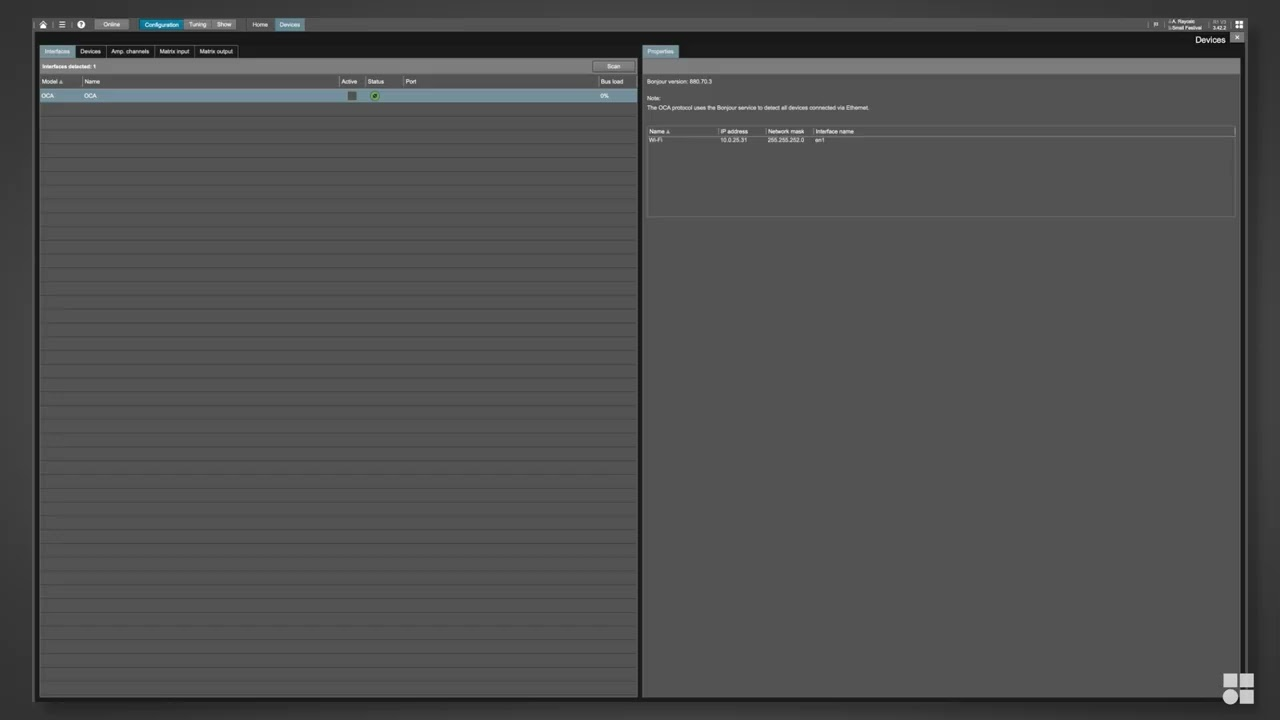
In mobile situations R1 provides extensive functionalities for storing and recalling system settings, enabling setups to be repeated as and when required. d&b System check verifies that the system performs within a predefined condition, while Project files can be adjusted for use with different equipment at another location. For permanent installations, system integrators can configure the d&b Remote network to allow access to different levels of control, according to the operational needs of the venue. R1 Remote control software enables d&b amplifiers to be remotely controlled, using both Ethernet and CAN-Bus in parallel. The software is optimized for use with touchscreen, mouse and keyboard and runs on both Microsoft Windows and macOS operating systems. Password protection is available to restrict access.
User interface
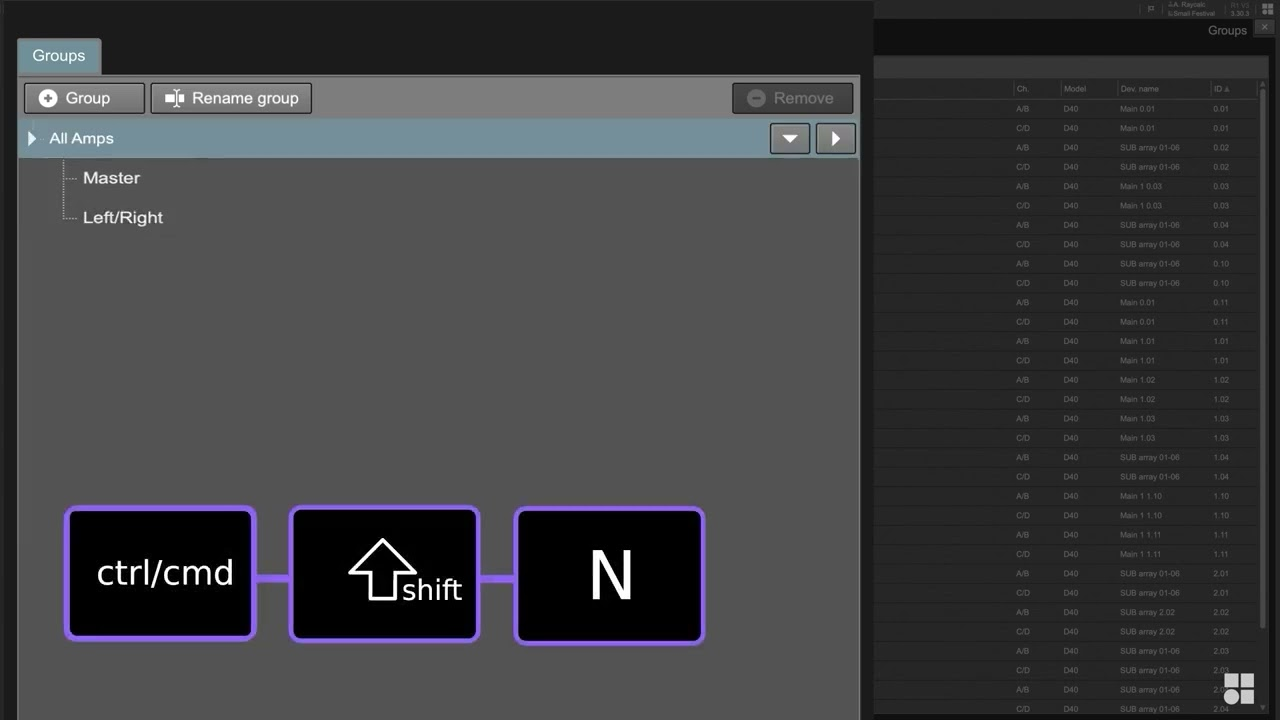
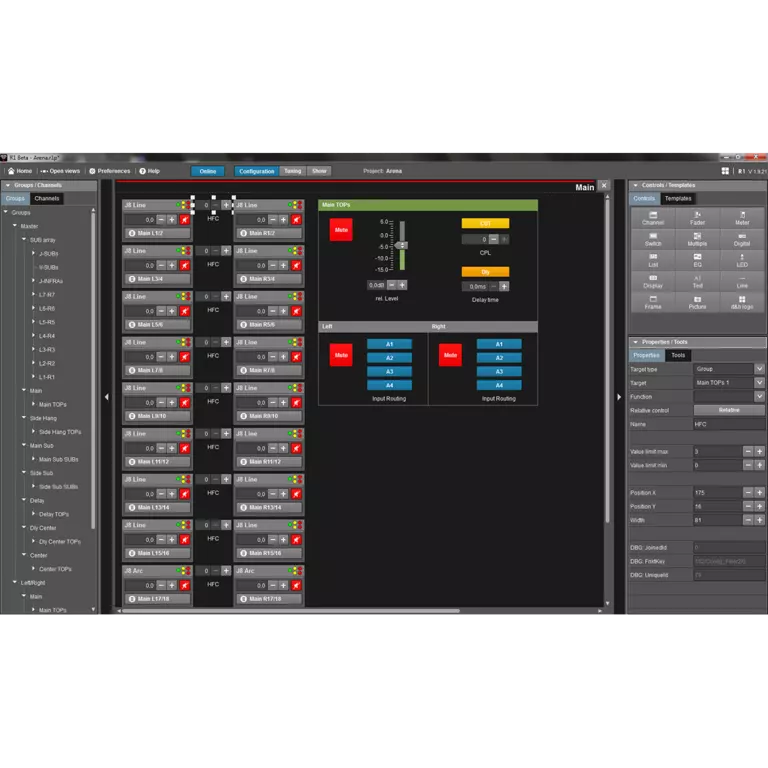
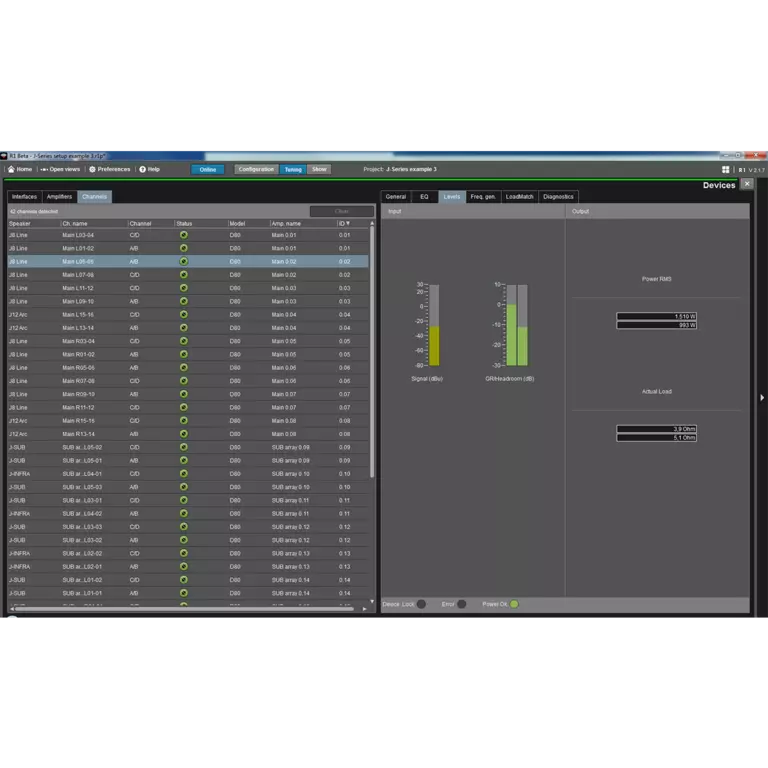
The R1 Remote control software provides a flexible workplace for the d&b user. All features, functions and controls are accessible via the front panel of d&b amplifiers, which can be remotely controlled and/or monitored using R1 Remote control software. It allows each channel of the amplifier to be controlled and enables the creation of groups of loudspeakers. When grouped together, a button or fader can control the overall system level, zone level, equalization and delay, system power ON/OFF, MUTE as well as loudspeaker specific function switches, such as CUT/HFA/HFC, CPL and ArrayProcessing. An offline mode is provided for preparation in advance of an event, without the need for amplifiers being present or connected.
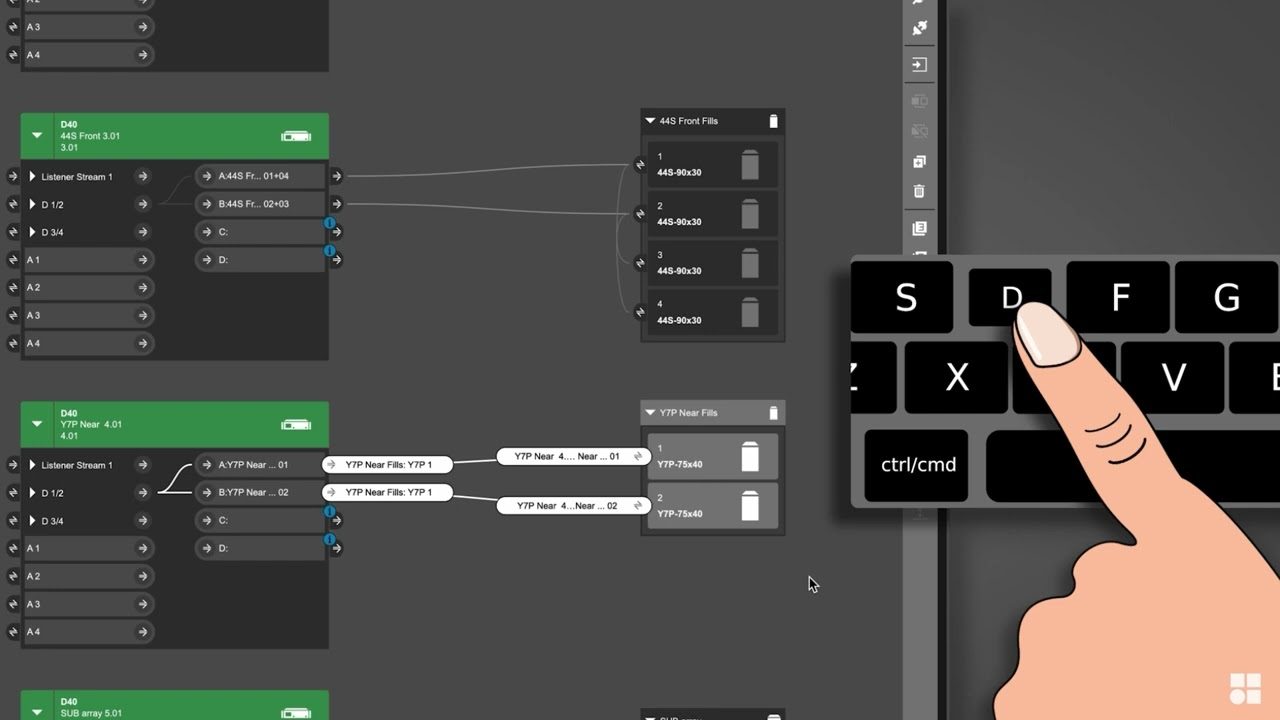
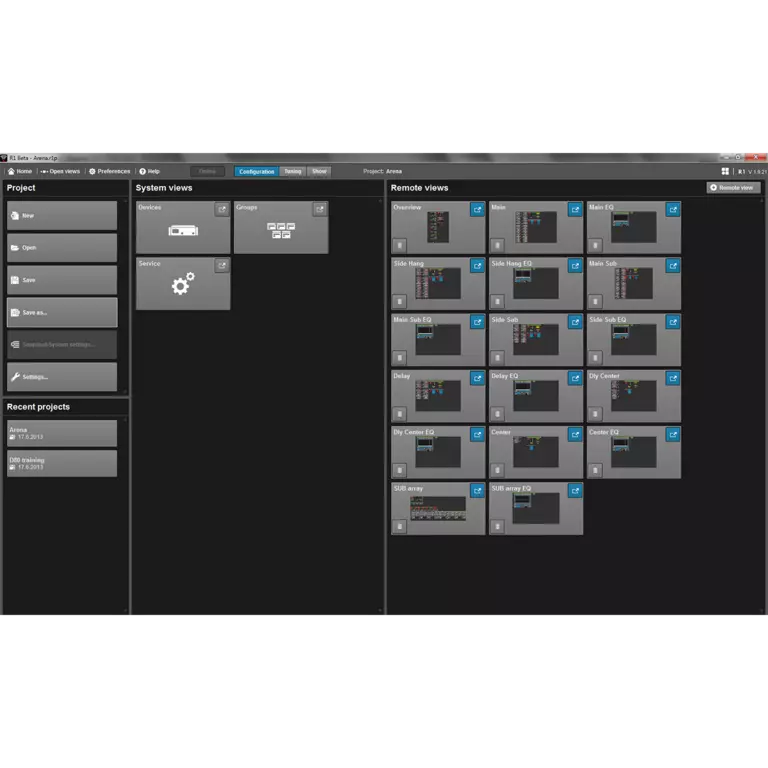
The Home view provides an overview of all views in R1 and access to all user defined remote views. The home button featured on each view returns directly to the Home view. The open views toolbar offers quick navigation to any open view.Each user definable Remote view can be populated with control functions of the system and can be optimized for different screen resolutions, either for large monitors or for smaller tablet devices.
Equalizer

The R1 Remote control software provides enhanced equalization functionalities for the d&b amplifiers, via an easy to use and efficient user interface. R1 accesses the 4-band equalizer in both channels of the D6 and D12 amplifiers, or the two 16-band equalizers in each of the four channels of the D20 and D80 amplifiers. The system technician can use one D20/D80 16-band equalizer, lock it, and offer the second EQ to the visiting sound engineer for artistic adjustments. The R1 software enables an instant A/B comparison of these two different equalizer curves. The D6 and D12 equalizer includes parametric and notch filters types, while the D20 and D80 equalizers also incorporate shelving and asymmetric filters. All filters available in the d&b amplifiers can be manipulated in R1 for fine adjustment; simple and intuitive control, via touchscreen or mouse and keyboard.
Service functions
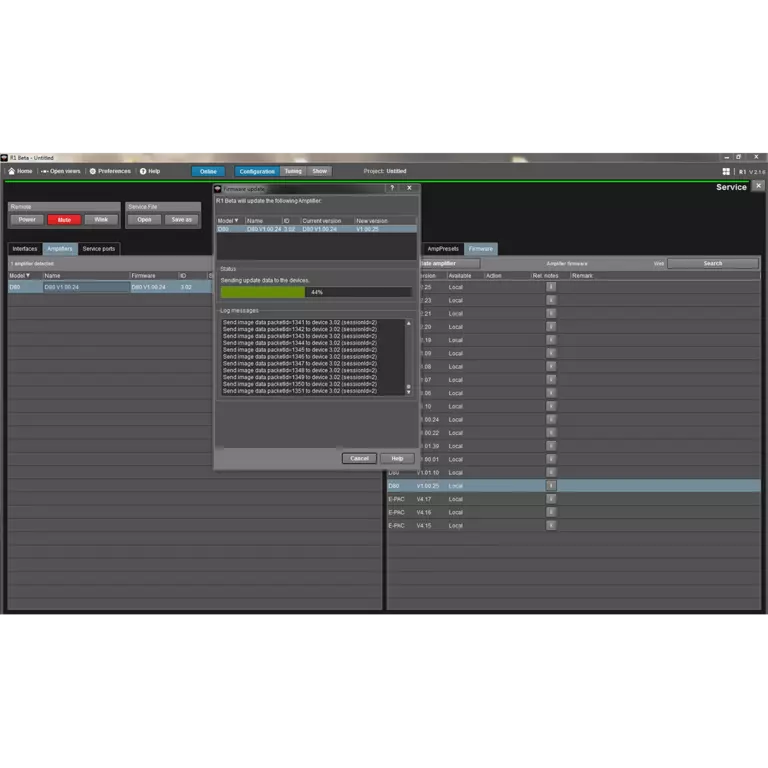
R1 enables the simultaneous firmware update of multiple amplifiers from a central location. The software will automatically search the d&b website and on demand, downloads the latest available amplifier firmware versions and R1 Remote control software updates. Defined settings can be created, saved on a computer and loaded into amplifiers, for example to ensure that configuration switches are set to a known status, or the user definable equalization is set flat. Settings can be copied to additional or spare amplifiers. A Wink function is included to provide an effective method of locating specific amplifiers; this flashes the amplifier display. For service purposes, information may be read from an amplifier, concerning its condition during operation and errors reported. When additional support is required, the error report can be saved and sent to the d&b service departments for further assessment and diagnosis.