ArrayCalc

d&b audiotechnik software

ArrayCalc

Software

  • available as a native stand-alone application for both Microsoft Windows and macOS operating systems
  • can significantly reduce setup and tuning time in mobile applications and allows for precise initial simulations when planning installations
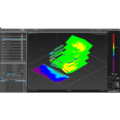
  • Listening planes can be defined in the venue tab, creating a three dimensional representation of any audience area in a given venue
  • In the Soundscape View the Soundscape simulation now works in 3D
Product description

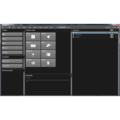
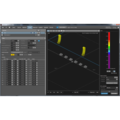
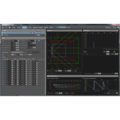
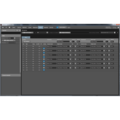
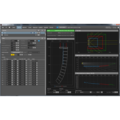
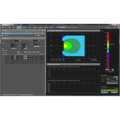
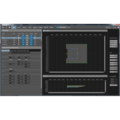
The d&b ArrayCalc simulation software is the simulation tool for d&b line arrays, column and point source loudspeakers as well as subwoofers. This is a comprehensive toolbox for all tasks associated with acoustic design, performance prediction, alignment, rigging and safety parameters. For safety reasons d&b line arrays must be designed using the d&b ArrayCalc simulation software. d&b ArrayCalc is available as a native stand-alone application for both Microsoft Windows and macOS operating systems. This can significantly reduce setup and tuning time in mobile applications and allows for precise initial simulations when planning installations. Listening planes can be defined in the venue tab, creating a three dimensional representation of any audience area in a given venue.

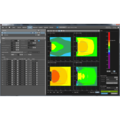
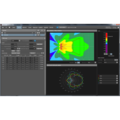
All sources can be time aligned, additionally the phase response of a flown system and a ground stacked SUB array can be calculated at a definable reference point. The level distribution resulting from the interaction of all active sources can be mapped onto the previously defined audience areas in a three-dimensional view, which can also be zoomed, rotated and exported as a graphics file. The Remote ID for all devices can be managed in the amplifier tab. EASE and DXF data export capabilities are also available.

The R1 Remote control software uses the data defined in ArrayCalc to generate an intuitive graphical user interface including complete details of the simulated system, including loudspeakers, amplifiers, remote IDs, groups, ArrayProcessing data and all configuration information. This workflow removes the need to manually transfer data from one software program to the other.

Patch Plan

A tool designed to further professionalize the system planning process. Patch Plan simplifies system design by providing a comprehensive visual representation of the system infrastructure. At a glance, Patch Plan helps you understand device connections and quickly map out signal flow using smart patching options with seamless tracking.

Key features

  • Simplifies the process of designing and connecting system racks, supporting both standard and custom configurations
  • Provides dedicated tools for Soundscape patch planning, from design to production
  • Visualizes Milan streams and their associated channels, providing a better overview of signal distribution
  • Exports all system details for field deployment, sales proposals, and installation documentation, improving collaboration across teams and stakeholders

Click here to access the ArrayCalc V12 patch plan tutorial. This requires a My d&b registration.

ArrayCalc V12 tutorial

ArrayCalc V12 Explainer

ArrayCalc Exchange

d&b ArrayCalc Exchange is a SketchUp extension that allows users to convert CAD and EASE files into an ArrayCalc venue file (*.dbacv) that can be imported directly into ArrayCalc. ArrayCalc Exchange supports system designers in mobile and fixed applications by simplifying the creation of complex venues in ArrayCalc.

d&b Venue database

The d&b Venue database provides high-quality venue models which can imported directly into ArrayCalc. They do not only accurately represent all audience areas but are enriched with useful additional information. This includes available rigging heights and points, major structural features, photographs of the venue and more.

ArrayProcessing

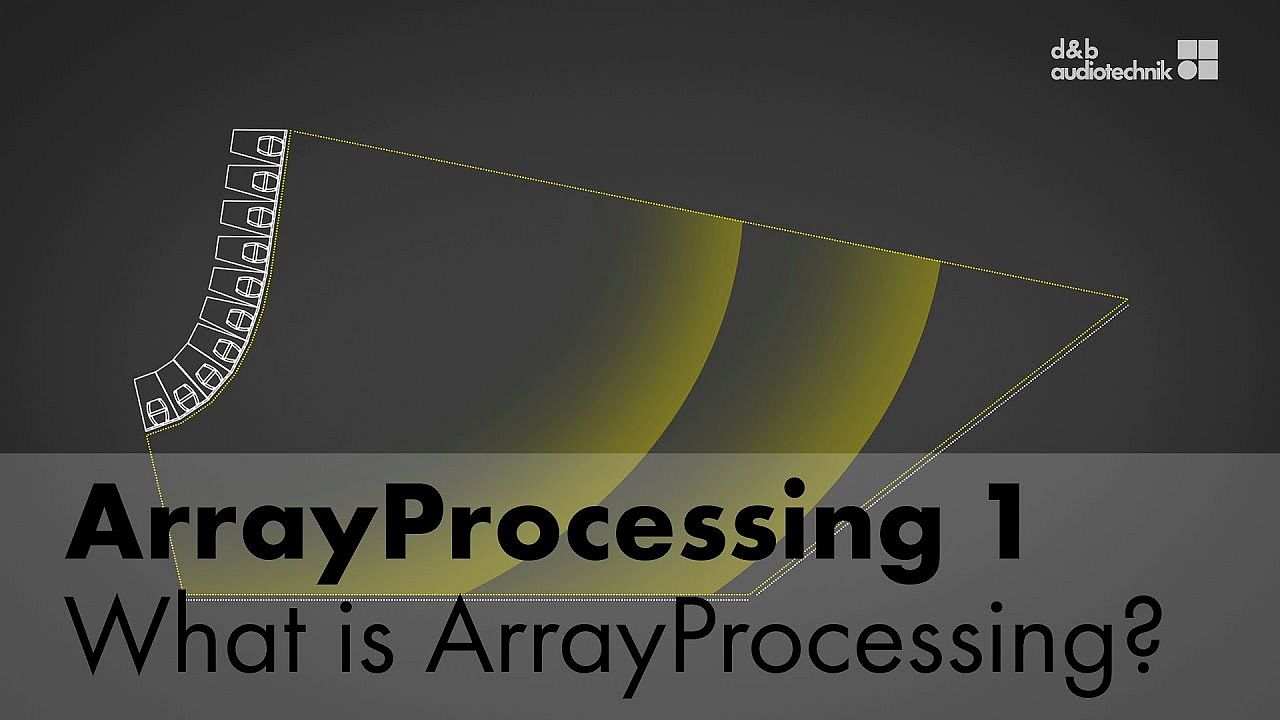
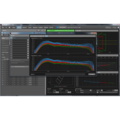
The optional ArrayProcessing function in ArrayCalc applies powerful filter algorithms to optimize the tonal (spectral) and level (spatial) performance of a line array column over the audience area defined by its mechanical vertical coverage angle.

Find out more about ArrayProcessing

HeadroomCalc

1/3
2/3
3/3

HeadroomCalc offers you advanced system performance prediction to support the decision-making process when specific tender or health and safety-related design criteria need to be considered.
HeadroomCalc uses audio files provided by the user instead of generic, steady-state spectra to accurately account for specific signal response as well as DSP limiter-based nonlinear processing impacts. A new level of realism in simulation results means you can design a d&b system with the confidence that it meets specification requirements.

Define your system, establish up to five receiver (measurement) points, and then load the specific input signal that you would like to perform the calculation for. HeadroomCalc creates SPL metrics that are usable as if you were using a portable SPL meter at each defined measurement point.

ArrayCalc Viewer app

The d&b ArrayCalc Viewer app provides all key information for positioning and flying a d&b audiotechnik loudspeaker system, presenting all relevant rigging, setup and system information close to hand in a concise format.

d&b ArrayCalc newsletter

System requirements
PC
Intel/AMD 1.5 GHz or more (Intel i5 or higher recommended).
Windows 10 or higher.
Mac
macOS 11.0 or higher
RAM
4 GB (8 GB recommended)
Graphics
Vulkan support (Windows), Metal support (macOS)
Free disk space
1 GB
Screen resolution
1280 x 800 or higher
(1920 x 1080 or higher recommended)
find heritage software
ArrayCalc tutorial. 1. Introduction and Overview

1/17 – ArrayCalc tutorial. 1. Introduction and Overview

ArrayCalc tutorial. 2. Venue editor

2/17 – ArrayCalc tutorial. 2. Venue editor

ArrayCalc tutorial. 3.1. Sources view: Line arrays

3/17 – ArrayCalc tutorial. 3.1. Sources view: Line arrays

ArrayCalc tutorial. 3.2. Sources view: Point sources

4/17 – ArrayCalc tutorial. 3.2. Sources view: Point sources

ArrayCalc tutorial. 3.3. Sources view: Sub array

5/17 – ArrayCalc tutorial. 3.3. Sources view: Sub array

ArrayCalc tutorial. 4. ArrayProcessing simulation

6/17 – ArrayCalc tutorial. 4. ArrayProcessing simulation

ArrayCalc tutorial. 5. Time alignment

7/17 – ArrayCalc tutorial. 5. Time alignment

ArrayCalc tutorial. 6. 3D plot

8/17 – ArrayCalc tutorial. 6. 3D plot

ArrayCalc tutorial. 7. Rigging Plot

9/17 – ArrayCalc tutorial. 7. Rigging Plot

ArrayCalc tutorial. 8. Amplifiers: Remote

10/17 – ArrayCalc tutorial. 8. Amplifiers: Remote

ArrayCalc tutorial. 9. Snapshots and Parts list

11/17 – ArrayCalc tutorial. 9. Snapshots and Parts list

Software add-on. CPL for SL-Series

12/17 – Software add-on. CPL for SL-Series

ArrayProcessing tutorial. 1. What is ArrayProcessing?

13/17 – ArrayProcessing tutorial. 1. What is ArrayProcessing?

ArrayProcessing tutorial. 2. Planning in ArrayCalc

14/17 – ArrayProcessing tutorial. 2. Planning in ArrayCalc

ArrayProcessing tutorial. 3. Configuring the system amplifiers in R1

15/17 – ArrayProcessing tutorial. 3. Configuring the system amplifiers in R1

ArrayProcessing tutorial. 4. Temperature and humidity control

16/17 – ArrayProcessing tutorial. 4. Temperature and humidity control

ArrayCalc Exchange tutorial. Quick guide

17/17 – ArrayCalc Exchange tutorial. Quick guide

Similar applications
All categories

d&b applications

Mobile application or fixed installation? Indoors or outdoors? Large or small? d&b provides tailored-made solutions for each and every requirement. What is more, the dedicated simulation software optimizes the planning of the system installation.
view all applications
Looking for a sales contact in your country? find a reseller now