


System Auralization for ArrayCalc
Hear your system design before you deploy it
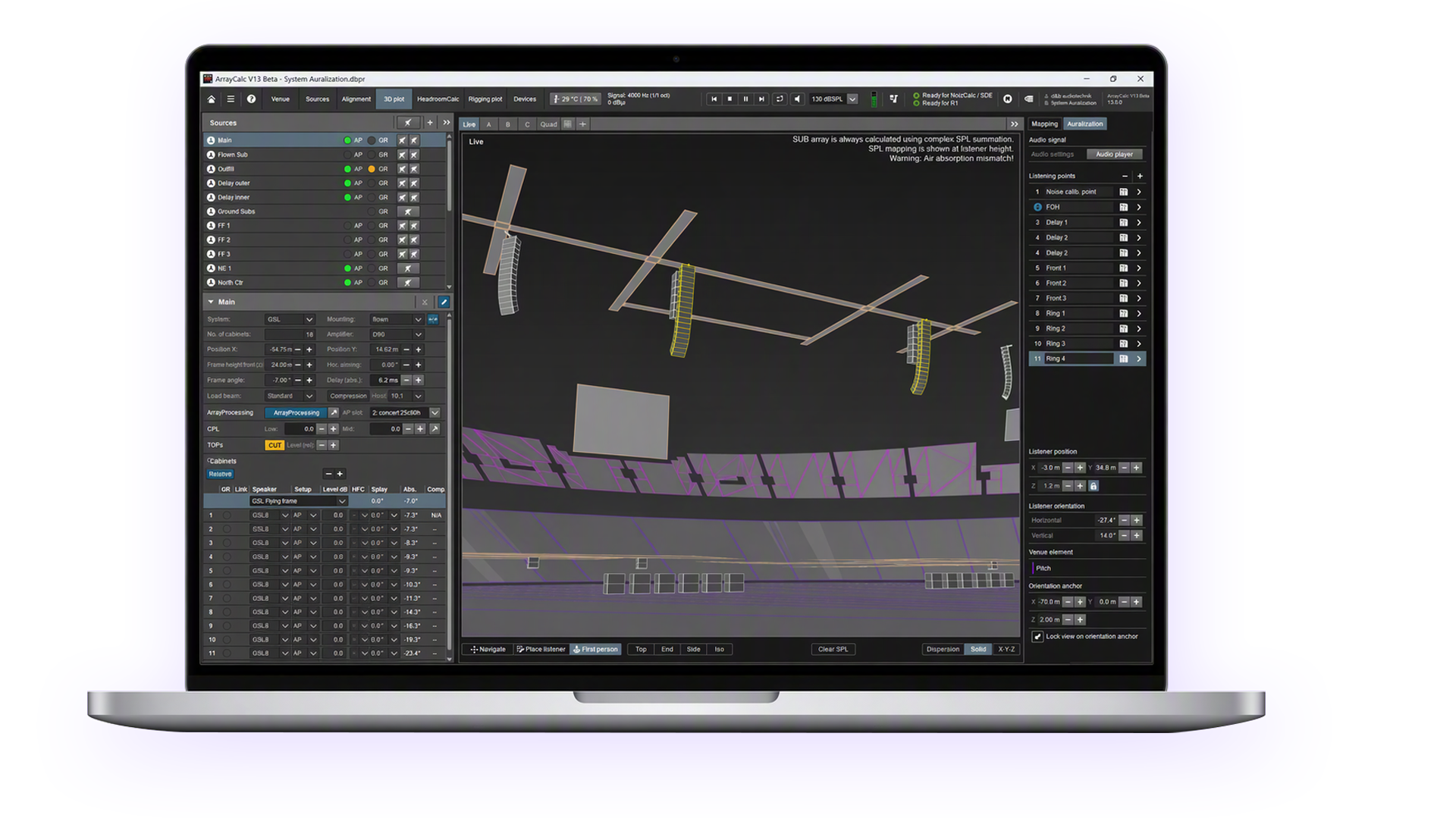
System Auralization brings listening into the ArrayCalc planning workflow. Experience the direct sound of your loudspeaker system design on headphones, move through the virtual venue, and hear how different design decisions affect the listening experience before arriving on site.
You now can load audio material and listen to the simulated result of your system design in real time. Changes to system parameters are reflected immediately. Combined with ArrayCalc’s new snapshot recall functionality, you can easily compare different system configurations without interrupting audio playback.

Make more informed decisions
Key Features
- Listen to the direct sound of your loudspeaker system through headphones
- Walk through a virtual venue while listening from a first-person perspective
- Hear the impact of design changes in real time, from system tuning to loudspeaker positioning and splay angles
- Import audio files and route stereo channels to source groups
- 20 user definable listening points that can be instantly switched between during real time listening
- Save and recall ArrayCalc and R1 snapshots
- Headphone compensation for several leading headphone brands
- Real-time, movable Soundscape object positioning
Find out more

Download System Auralization through the d&b Beta Program
System Auralization is now available as a beta release. Create or sign in to your My d&b account to get early access and share your feedback.